For the Unity Localization package

Unity game localization.AI JSON, CSV, XLIFF & PO file translator.

Translate Unity JSON, CSV and XLIFF files with human-level AI. Keep your game's voice, and get 100% protection for Smart Strings, variables, rich text tags and table structures.

Same format in and out. Keep your existing import workflow.

Smart Strings protected
Stable keys & table IDs
Rich text markup preserved
100+ target languages
01 / Syntax is not prose

Translate the dialogue.
Not the variables.

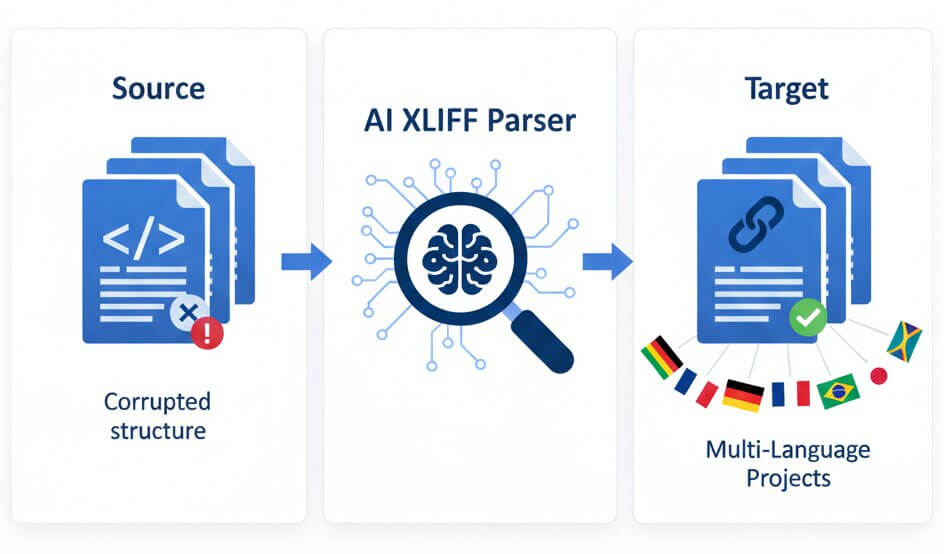
One renamed token is enough. A plain chat prompt is not a schema validator. Without syntax protection, a translated key, a missing CSV quote or a stripped rich text tag turns a routine import into an afternoon of file repairs.

The damage shows up in the Editor and in play: parsing exceptions, String Table entries that no longer match their shared keys, or reward text that breaks when the game passes a runtime argument. Your team ends up diffing files instead of testing the next build.

100% syntax protection. Guaranteed.

Qopywriter.ai protects Unity Smart Strings, formatting variables, rich text markup and table structures throughout translation. Player-facing language changes. The contract your game depends on does not.

  • Keep {0}, {PlayerName} and named selectors unchanged.
  • Preserve tag names, attributes and matching rich text pairs.
  • Protect file schemas, shared key IDs and table relationships.
At import
Valid file structure
At lookup
Original keys and IDs
At runtime
Protected arguments and tags
02 / File-level compatibility

Three core formats.
One clean hand-off.

Use CSV or XLIFF from the Unity Localization package, or JSON from your project's export pipeline. This Unity localization tool translates the text without rewriting the structure around it.

.jsonCustom export

Translate Unity JSON files

Keep object keys, nesting and escape sequences fixed. Translate the player-facing string values, then send the file back through your JSON loader or conversion script.

{
  "ui.play": "Jouer",
  "quest.reward":
    "Vous recevez {0} pièces."
}
  • Original keys and nested objects
  • Escaped quotes and line breaks
  • Named and indexed arguments
.csvString Tables

Unity CSV localization

A comma belongs inside dialogue, not in a new column. Translate target-locale cells while preserving headers, shared key IDs, quoting and row boundaries.

Key,Id,French(fr)
ui.play,104,Jouer
quest.reward,105,
ui.confirm,106,"Oui, continuer"
  • Stable Key and Id columns
  • Quoted fields and delimiters
  • Correct row-to-entry mappings
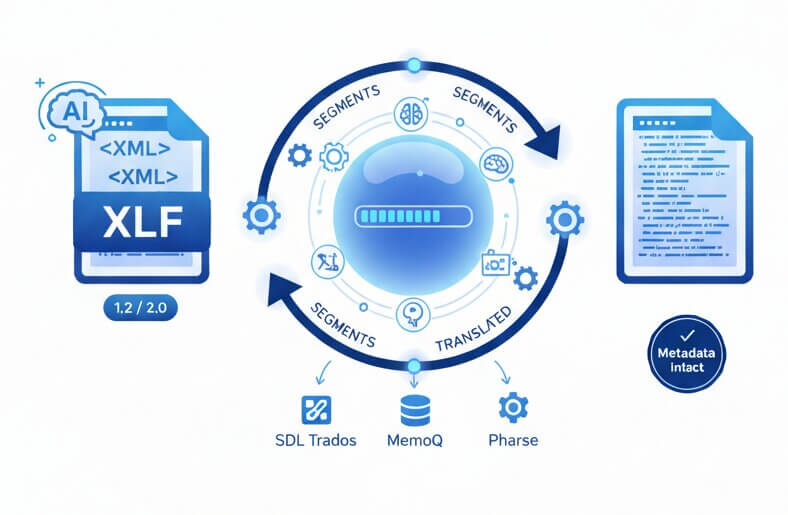
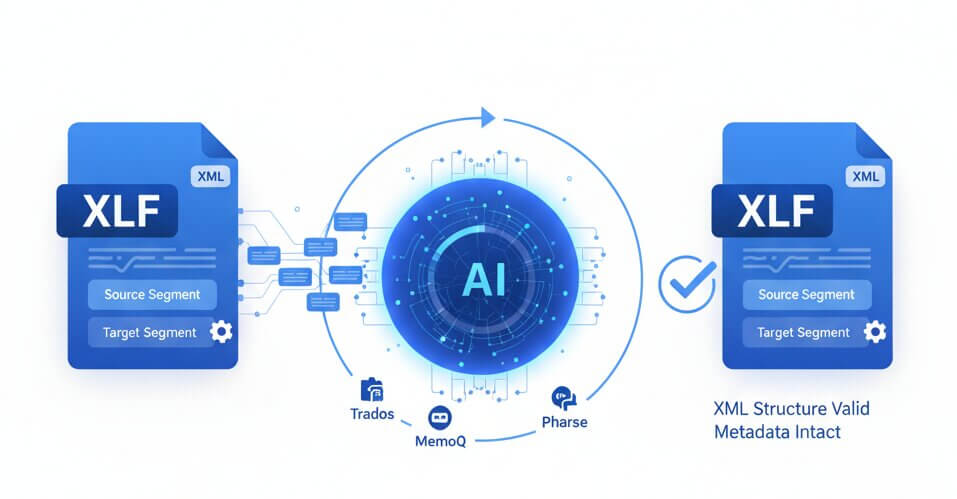
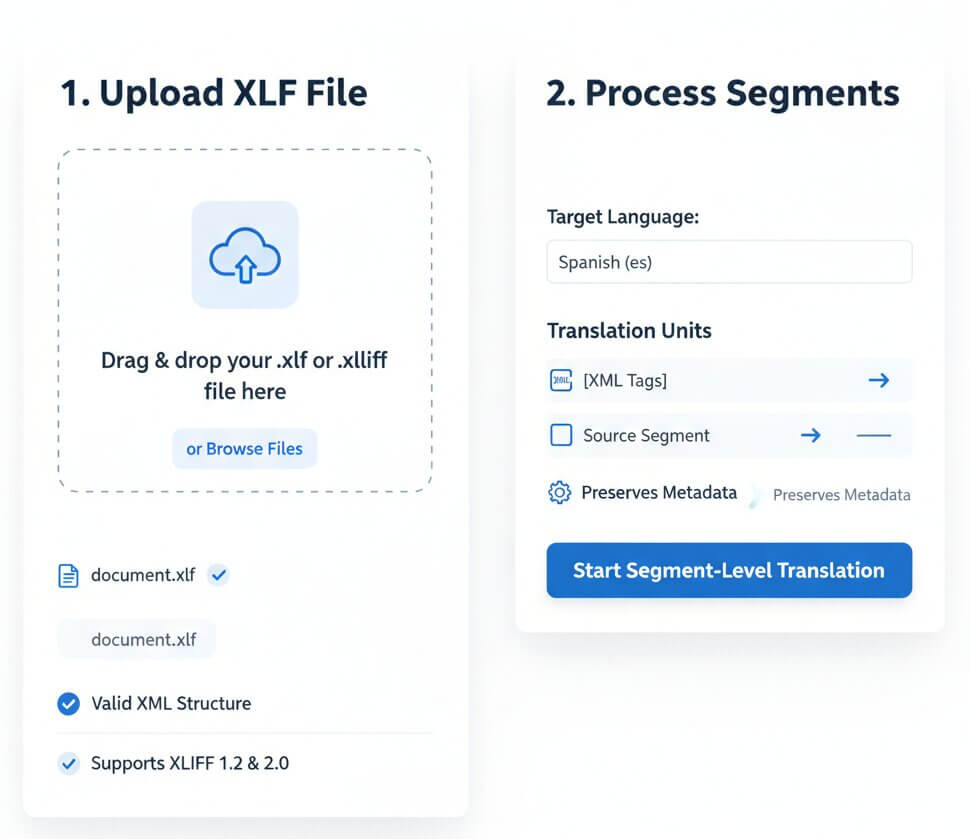
.xliffAlso .xlf

Translate Unity XLIFF files

Translate target segments without rewriting unit IDs, XML namespaces or inline codes. Keep source text and contextual metadata available for review.

<trans-unit id="104">
  <source>Play</source>
  <target>Jouer</target>
</trans-unit>
  • XLIFF 1.2 and 2.0 support
  • Unit IDs and XML structure
  • Protected inline placeholders
.po

PO catalogs in your wider pipeline?

Use AI PO translation for gettext-based tools and custom importers. Message IDs, context and format variables stay protected while msgstr content is translated.

Asset references are not dialogue.

GUIDs, Addressable references and asset paths stay outside the translation pass. Translate labels and descriptions, not the links to your audio, textures or prefabs.

03 / Language players believe

Your characters still sound like your characters.

A clean import is only half the job. Your veteran ranger should not sound like a help desk, and the “Loadout” button should not change names halfway through a mission. Our game localization AI delivers human-level linguistic accuracy, with the gaming terminology and context your strings depend on.

  • Meaning before word-for-word substitution

    “Charge” means something different in a combat tooltip and a checkout screen. Context drives the translation.

  • A consistent voice for every character

    Keep the captain terse, the merchant charming and the villain cold. Dialogue retains its intent, register and personality.

  • One vocabulary across the project

    Abilities, item names and UI labels stay consistent across menus, quest text and dialogue. No random switch from “stamina” to “energy.”

NARRATIVE / TRANSLATION EXAMPLEEN → FR
Speaker: veteran ranger Scene: after combat Tone: dry confidence
Source dialogue
“Eyes up, rookie. We're not done yet.”
French · Character voice preserved
« Ouvre l'œil, le bleu. On n'a pas fini. »
LoadoutÉquipement
Quest logJournal de quêtes
StaminaEndurance

The same terminology follows the player from the menu to the mission.

04 / The round trip

Export. Translate.
Back to the Editor.

Unity string table translation should fit your production workflow, not replace it. Work at the file level, keep your existing package setup and leave engine code alone.

  1. 01 / EXPORT

    Start with your source table

    Export your String Table Collection as CSV or XLIFF. For JSON, use your project's exporter. Keep stable keys and the dialogue context carried in your source metadata.

  2. 02 / TRANSLATE

    Choose the target language

    Upload your file and select the locale. AI translates player-facing text while protection keeps variables, rich text and table structure out of the translation pass.

  3. 03 / IMPORT

    Bring it back. Test in play.

    Download the same format and use the matching Unity importer or JSON adapter. Run a variable-driven line, a plural and a rich text label in Play Mode before your next build.

Your pre-build localization check

  • Shared keys match
  • Smart setting checked
  • Target locale assigned
  • TMP glyphs and UI fit tested
05 / Production-friendly pricing

Start with a real table.
Scale with your release.

Every plan includes JSON, CSV and XLIFF translation, Smart String protection and 100+ languages. Test your import workflow with a free trial first.

Lite

For a focused localization pass.

$9/ month
400,000characters per month
  • Advanced AI translation
  • JSON, CSV and XLIFF files
  • Variables and formatting protected
  • 100+ target languages
Start free trial

Starter

For new locales and regular updates.

$19/ month
1,000,000characters per month
  • Advanced AI translation
  • JSON, CSV and XLIFF files
  • Variables and formatting protected
  • 100+ target languages
Start free trial

Yearly

One annual plan for ongoing releases.

$169/ year
12,000,000characters per year
  • Unlimited team collaboration
  • JSON, CSV and XLIFF files
  • Variables and formatting protected
  • Priority support
Start free trial

Working with a custom exporter or a larger studio pipeline?

Talk to our team
06 / Technical questions

Before you run
the next import.

Practical answers for developers, technical artists and narrative teams using Unity localization files.

Ask about your file structure ↗
Does this work with the Unity Localization package?
Yes. Qopywriter.ai translates exported localization files, so you keep your existing Unity Localization package setup. Use CSV or XLIFF for String Table interchange, then import the translated file into the matching collection. JSON uses your project's custom export and import path.
Will Smart Strings or formatting variables change?
No. Named arguments such as {PlayerName} and {CoinAmount}, indexed arguments such as {0}, and Smart String control syntax are protected. The language changes; selector names, formatter names and runtime arguments do not. Linguistic content inside formatting branches is translated separately from the control syntax.
How do I handle Unity CSV localization safely?
Export the collection with its stable Key and Id columns and the correct target-locale column. Keep those mappings, delimiters and quoted fields fixed while translating locale text. Qopywriter.ai protects that structure, so dialogue containing commas or quotation marks does not spill into another column during import.
Can I use JSON and PO files in a Unity project?
Yes, through the custom loader or conversion layer used by your project. Translate Unity JSON files while preserving their keys and hierarchy. For gettext PO catalogs, message IDs, context and placeholders stay protected while msgstr content is translated. CSV and XLIFF remain the String Table interchange paths in the Unity Localization package.
What happens to rich text tags and asset references?
Rich text markup such as <b>, <color=#FFD700> and <sprite index=0> keeps its tag names and attributes. Matching tags remain paired around the translated text. Asset GUIDs, addresses and paths are not language content and stay outside translation.
Can AI keep character voice and gaming terms consistent?
Yes. The model uses text context and localization metadata to distinguish dialogue, item names, abilities and UI labels. It maintains character tone and shared terminology across the project. Include speaker names and scene context in your source metadata so a battle command reads like a battle command, not a menu instruction.
What should I test after importing a translated table?
Check the target locale and shared keys first. Then run a string with {0}, a named argument, a plural and a rich text label in Play Mode. Test TextMeshPro font assets, fallback locales and your longest menu labels at the smallest supported resolution. That catches missing glyphs and text overflow before the next build.
Is there a free trial for Unity file translation?
Yes. Start a free trial with a limited character allowance. Use a real table containing Smart Strings and rich text, then test the translated file in your Editor. Paid plans start at $9 per month.
Your next locale starts here

Ship the language.
Keep the logic.

Take the table that's holding up your release. Translate your Unity game files with protected keys, variables and markup, then bring them back into the Editor.