XLIFF Translation Tool for Localization Projects

Translate XLF files online with segment-level precision. Maintains XML structure, translation units, and metadata integrity for professional localization workflows

xliff translation tool online

XLIFF File Translator for Software Localization

Translate XLIFF files online while preserving the XML structure

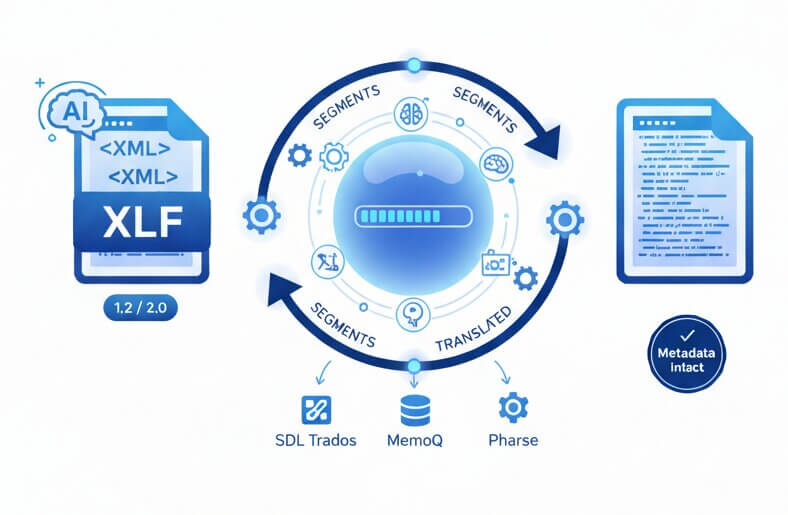
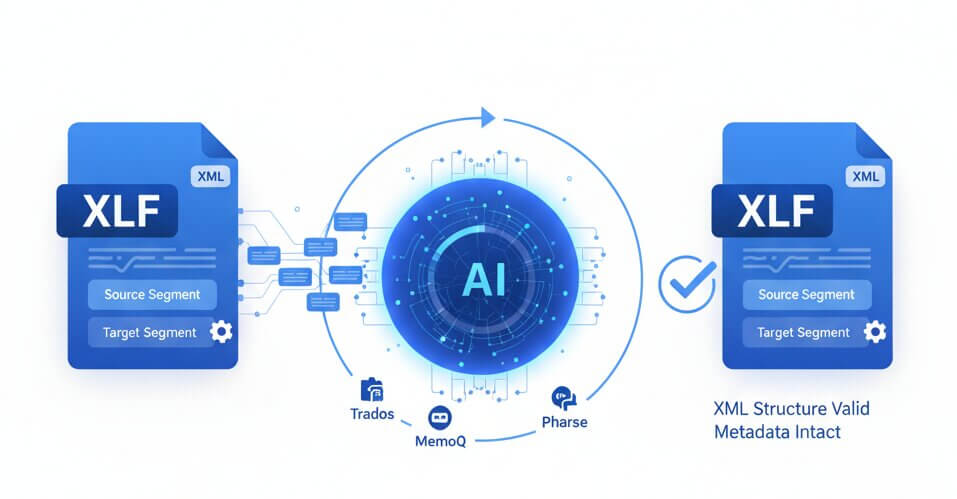
XLIFF (XML Localization Interchange File Format) serves as the industry standard for software and app localization. The XLF format contains translation units with source and target segments, along with metadata that drives translation memory systems. Traditional tools either break the XML structure or fail to handle trans-unit elements correctly. The XLIFF translation tool processes each segment individually while maintaining the complete XML schema, including attributes, namespaces, and element hierarchies. The xlf translation tool online recognizes XLIFF 1.2 and 2.0 specifications, providing compatibility with major CAT platforms like SDL Trados, MemoQ, and Phrase. Each translation unit is processed through advanced language models that understand context across multiple segments. The result is a valid XLF file ready for immediate import into localization workflows, with all structural elements and translation quality matching professional human translators.

translate xliff files online free

How it Works

Three steps to translate XLIFF files online

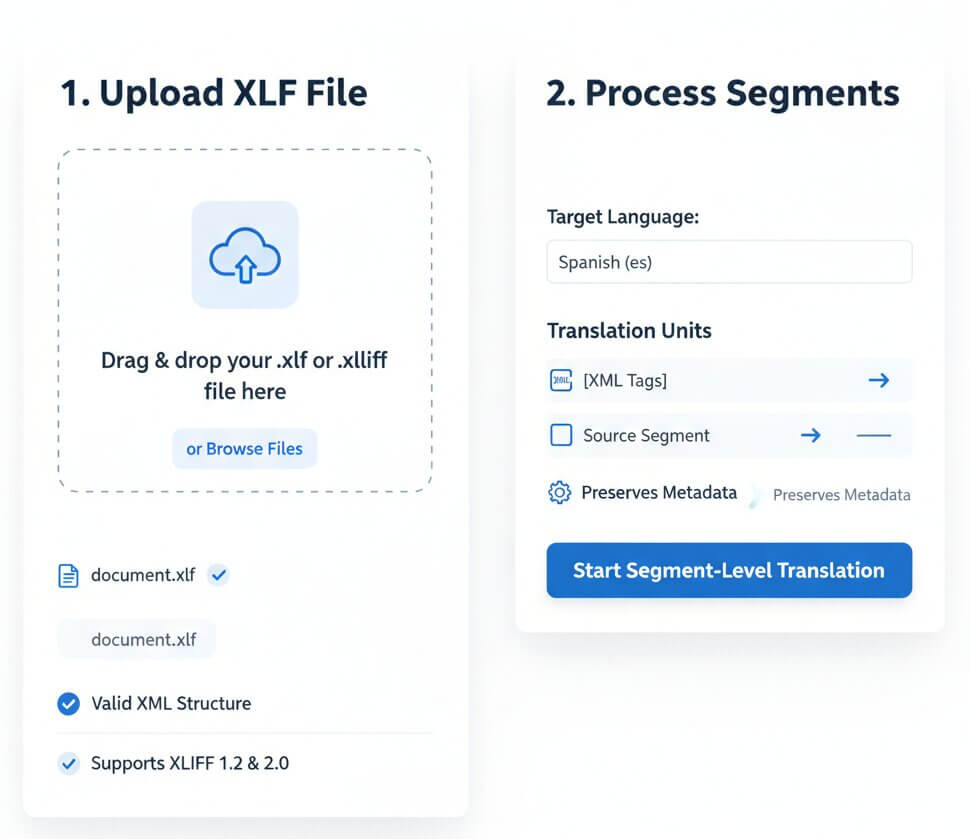
Upload XLF File

Drop an XLIFF or XLF file into the xliff translation tool free interface. The system validates XML structure and parses translation units automatically, supporting both XLIFF 1.2 and 2.0 standards.

Process Segments

Select target language and initiate segment-level translation. Each trans-unit is translated with context awareness while XML tags, attributes, and metadata remain untouched by the processing engine.

Download Valid XLF

Receive a schema-compliant XLIFF file with translated target segments. The file imports directly into CAT tools without errors, maintaining all original IDs, notes, and translation states.

Features

Specialized capabilities for XLIFF translation

xlf file translation service

XML Structure Preservation

Segment-Level Accuracy

CAT Tool Compatible

XLIFF 1.2 & 2.0 Support

Metadata Retention

Batch File Processing

Why translate XLIFF files with our tool?

free xliff translation tool features

XML Schema Integrity

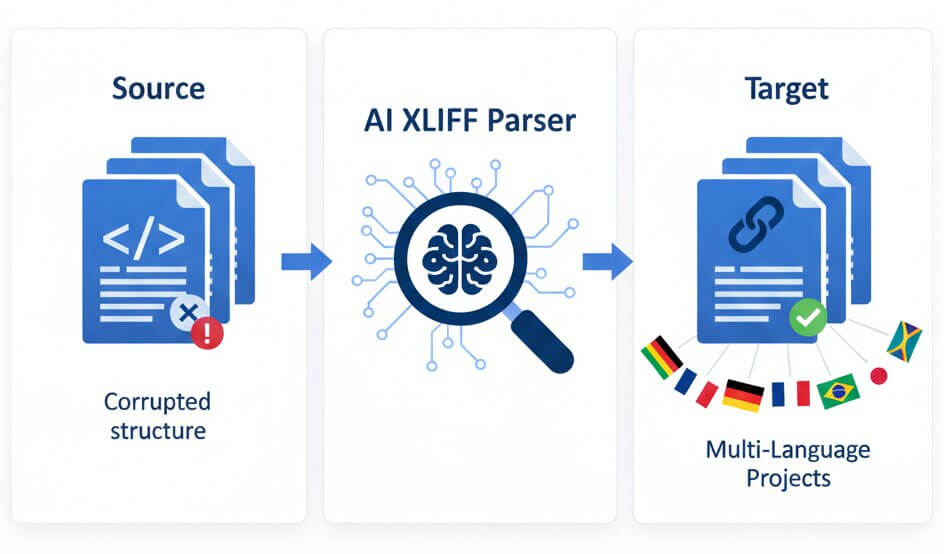
XLIFF files contain complex XML structures with namespaces, attributes, and nested elements. Generic translation tools corrupt these structures, rendering files invalid for CAT tool import. The xliff translation service parses the XML tree, isolates translatable content within trans-unit elements, and reconstructs the file with perfect schema compliance.

Context-Aware Segments

Each XLIFF segment may reference other parts of the file through context groups or notes. Simple sentence-by-sentence translation misses these connections. The translation engine analyzes relationships between segments, maintaining terminology consistency and contextual meaning across the entire translation unit collection.

Version Compatibility

XLIFF exists in multiple versions (1.0, 1.1, 1.2, 2.0, 2.1) with different schemas and element names. The xlf translation tool online automatically detects the version, applies the correct parsing rules, and generates output matching the input specification. This prevents version mismatch errors when reimporting translated files.

Multi-Language Projects

Software localization often requires translating the same source file into dozens of languages. The xliff translation tool free tier allows processing multiple target languages from a single source XLF. Batch processing maintains consistent terminology across all language variants, streamlining multi-market app releases.

Metadata Preservation

XLIFF files store critical metadata: translation states, approved flags, translator notes, and quality scores. Losing this data breaks localization workflows. The translate xliff file function preserves all metadata elements.

Inline Tag Handling

XLIFF segments often contain inline tags marking formatting, variables, or placeholders that must not be translated. The system identifies and protects these tags during translation, maintaining their exact position and attributes. This prevents the "broken variable" errors common when translating software strings.

Specialized XLIFF translation scenarios

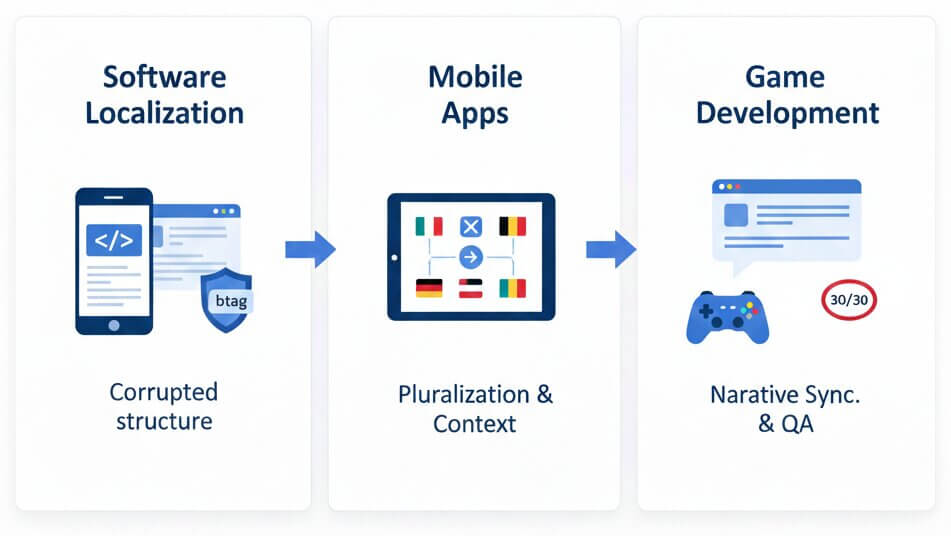
Development teams export strings from resource files into XLIFF format for translation. These files contain UI labels, error messages, and help text with technical placeholders like %s, {0}, or <b> tags that must remain in specific positions.

The xliff file translator recognizes these patterns and protects them during translation. This allows developers to reimport translated XLF files directly into the build pipeline without manual tag fixing. Localized software releases happen faster with fewer QA cycles to catch broken strings or formatting errors.

Mobile app localization tools like Xcode and Android Studio generate XLIFF files containing all user-facing text. These files include plural forms, string arrays, and context comments that guide translators. Breaking the structure causes build failures or runtime crashes.

The xliff translation tool maintains the exact structure expected by mobile development environments. Translated files compile without errors, and the app displays properly localized text with correct pluralization rules for each language. This eliminates the technical barrier between translators and developers in agile release cycles.

Game studios localize dialogue, quest descriptions, and UI text into 15+ languages simultaneously. XLIFF files may contain thousands of segments with character limits, voice-over tags, and branching narrative context that must stay synchronized across languages.

The translate xlf file feature processes large game localization packages while respecting character count constraints and maintaining narrative consistency. Teams can preview translated game text in-engine immediately, spotting issues like text overflow or context mismatches before voice recording or final QA. This cuts localization costs and accelerates global game launches.

xliff translation service use cases

Pricing

Free XLIFF translation tool with professional tiers

Lite

$9 / mo
  • 400.000 characters per month
  • Advanced AI translation
  • Layout & formatting preservation
  • 100+ language support
Free Trial

Starter

$19 / mo
  • 1.000.000 characters per month
  • Advanced AI translation
  • Layout & formatting preservation
  • 100+ language support
Free Trial

Business

$49 / mo
  • 3.000.000 characters per month
  • Unlimited team members
  • All Pro features
  • Priority support
Free Trial
Save 25%

Yearly

$169 / year
  • 12.000.000 characters per year
  • Unlimited team collaboration
  • All Pro features
  • Priority support
Free Trial

F.A.Q

Common questions about XLIFF translation

XLIFF (XML Localization Interchange File Format) is an XML-based standard for exchanging localization data between tools. It stores source text, target translations, and metadata in a structured format that CAT tools and translation management systems can process. Most software development platforms export strings to XLIFF for translation.

Google Translate cannot process XLIFF files directly and does not preserve XML structure. Attempting to translate XLIFF content through Google Translate results in corrupted XML, broken tags, and invalid files that CAT tools reject. Our xliff translation tool is specifically designed to maintain the XML structure required for professional localization workflows.

Yes. The xlf translation tool online automatically detects whether a file uses XLIFF 1.2 or 2.0 schema and applies the correct parsing rules. Both versions are fully supported, including all standard elements, attributes, and namespaces defined in the OASIS specifications.

Yes. The translate xliff file function identifies inline elements like <g>, <x/>, <bpt>, and <ept> tags, as well as variables such as %s or {0}. These elements are protected during translation and remain in their correct positions within the translated segment, preventing runtime errors in the final localized software.

Yes. The xliff translation service supports batch processing of multiple XLF files. This is useful for large localization projects where source content is split across many files. All files in a batch are processed with consistent terminology and can target multiple languages simultaneously.

The xliff file translator supports over 100 target languages, covering all major markets for software localization. This includes European languages, Asian languages (including CJK), right-to-left languages like Arabic and Hebrew, and regional variants such as Brazilian Portuguese or Canadian French.

Yes. XLIFF files often include translator notes, context groups, and comments that explain how strings are used in the software. The translation engine analyzes these metadata elements to understand the context of each segment, resulting in translations that match the intended meaning and tone.

Yes. Translated files maintain full schema compliance and import cleanly into all major CAT tools including SDL Trados Studio, MemoQ, Phrase, Smartcat, and Lokalise. The XML structure, translation unit IDs, and state attributes are preserved exactly as expected by these platforms.

Processing time depends on the number of translation units. A typical mobile app XLIFF with 500 segments translates in under 90 seconds. Larger files with 5,000+ segments may take 5-8 minutes. The system processes segments in parallel to maximize speed while maintaining translation quality.

Yes. The free xliff translation tool allows testing with limited character quota. This lets teams validate that translated files import correctly into their localization pipeline before committing to a paid plan. No credit card is required for the trial period.