Translate Word Documents Online

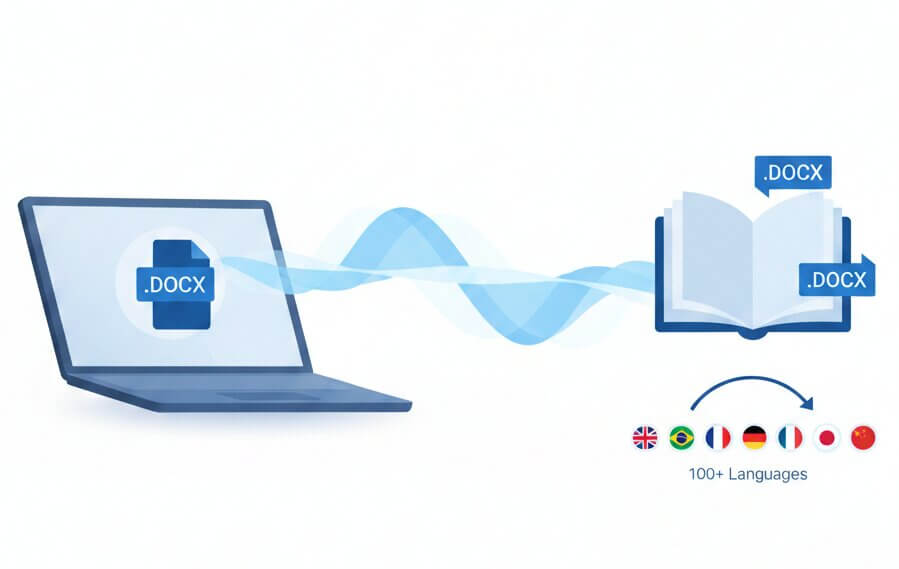
AI DOCX translator that keeps all Word formatting across 100+ languages

docx translator online

Translate DOCX Files Online

The only Word translator built specifically for Microsoft Word's complex structure

Microsoft Word documents contain more than just text they include headers, footnotes, captions, cross-references, and multi-level lists that standard translation methods destroy. Our DOCX translation service uses specialized AI trained to recognize Word's internal structure, so every style, bookmark, and table of contents entry remains functional after translation. The system processes .docx and .doc files in their native format, meaning text boxes stay anchored, page breaks occur in the right places, and numbered lists continue their sequence correctly. Unlike basic tools or translate Word document ChatGPT approaches that export to plain text first, this method treats the DOCX file as a structured database of content and formatting rules. The result is a translated Word document that opens in Microsoft Word exactly as the original did, ready to edit, share, or print without reconstruction. All processing happens on encrypted servers under strict data protection protocols, meeting enterprise security standards for confidential business materials.

online docx translator with layout preservation

How it Works

Three steps to translate DOCX documents with preserved formatting

Upload

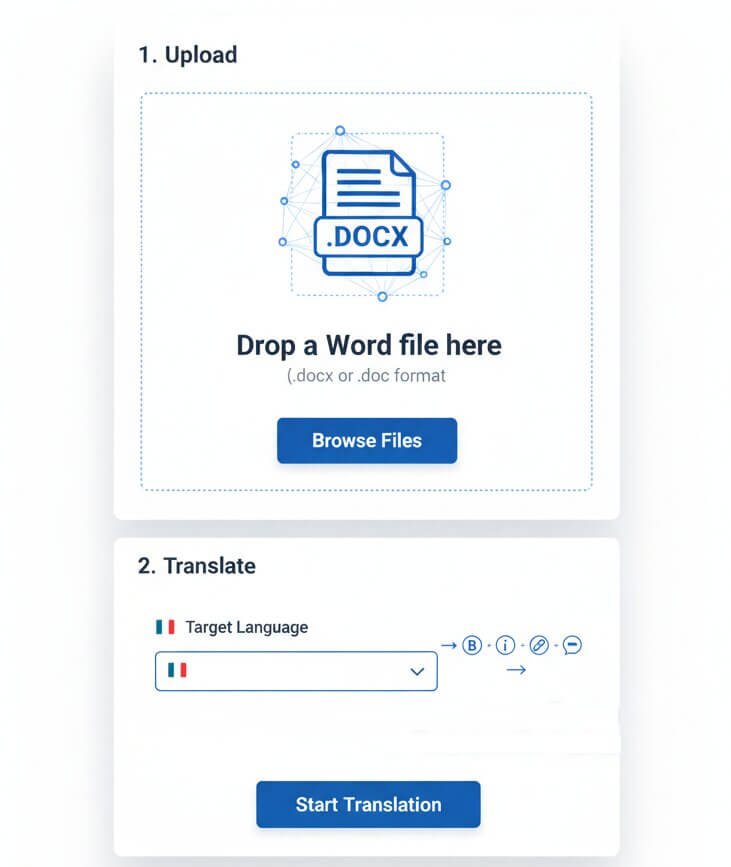
Drop a Word file (.docx or .doc format) directly into the translator. The system reads the document structure, identifying styles, sections, and embedded objects before translation begins.

Translate

Choose a target language from 100+ options. AI processes the content while tracking every formatting attribute bold, italic, hyperlinks, comments so the translated text inherits the exact same styling.

Download

Receive a fully formatted Word document in seconds. Open it in Microsoft Word or Google Docs and see every table, image caption, and footnote exactly where it should be. No manual fixes required.

Features

Advanced capabilities for Word document translation

docx translation app

Preserves Word Styles

Table Structure Preservation

Headers & Footers

100+ Language Pairs

Footnotes & Endnotes

Fast Batch Processing

What makes this the best way to translate Word documents?

translate docx documents while keeping formatting

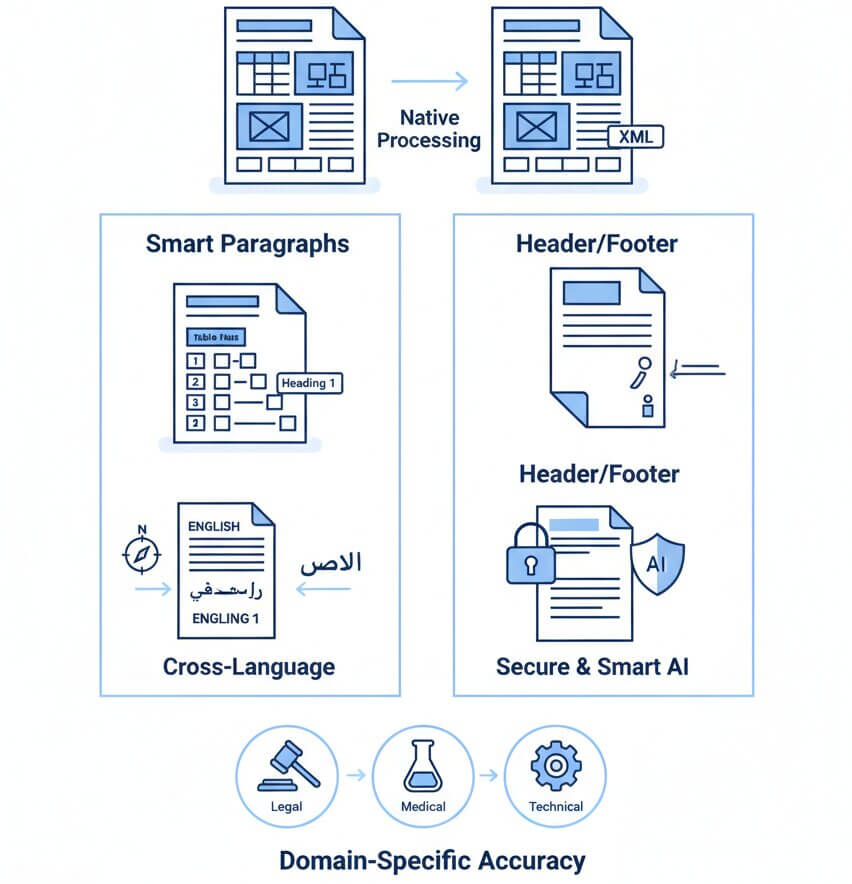
Native DOCX Processing

The translator works directly with Word's XML structure instead of converting to an intermediate format. This means paragraph styles, character formatting, and section breaks are preserved natively. Tables maintain merged cells and borders, images stay embedded with proper text wrapping, and page numbering continues uninterrupted across translated sections.

Smart Paragraph Handling

Microsoft Word uses styles like "Heading 1" or "Body Text" to organize content. The AI recognizes these semantic markers and maintains the hierarchy in translation. Lists stay numbered or bulleted correctly, indentation levels remain consistent, and table of contents entries auto-update because the underlying style references are preserved.

Headers, Footers, Footnotes

Standard translate docx online tools ignore these special regions or place them incorrectly. This system maps headers to headers, footnotes to footnotes, and endnotes to endnotes in the target file. Page numbers, document titles in headers, and citation references all function exactly as they did in the source document.

Cross-Language Compatibility

Translating from English to Chinese or Arabic involves more than swapping words the text direction, font requirements, and punctuation rules change. The translator automatically adjusts these typographic details so the DOCX file renders correctly in any language, whether left-to-right, right-to-left, or vertical scripts.

Secure Business Translation

Word documents often contain proprietary information contracts, proposals, internal reports. The service encrypts files during upload and processing. No content is stored long-term or used to train public AI models.

Domain-Specific Accuracy

Generic translation fails with specialized vocabulary legal terms, medical phrases, or technical jargon. Our Word translator uses context-aware AI models trained on industry-specific corpora. The system identifies domain from content clues and applies the appropriate terminology, producing translations that read as if written by an expert in that field.

Common scenarios for translating DOCX files

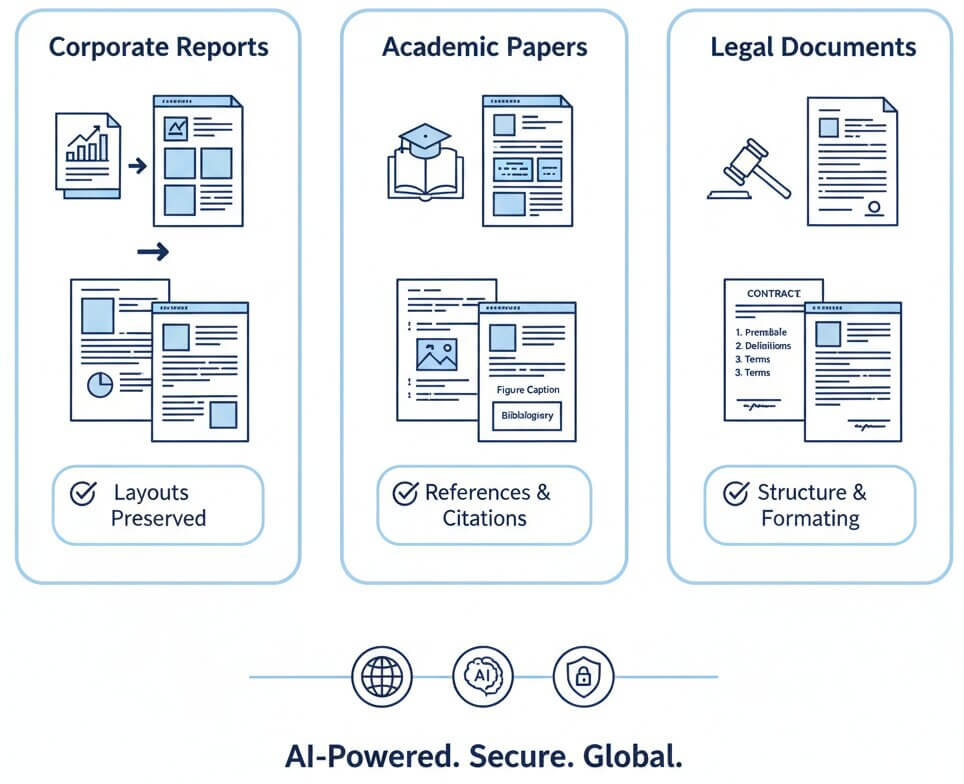
Multinational companies frequently produce annual reports, white papers, and policy documents in Word format. These files contain complex tables of financial data, embedded charts, and multiple sections with different headers. Translating them manually would require hours of reformatting work after the text conversion.

Using the AI DOCX translator eliminates this burden entirely. The translated report maintains its professional appearance the executive summary stays bold, financial tables align properly, and company logos remain positioned correctly. Teams can distribute the translated version immediately without graphic design intervention, accelerating communication with international stakeholders.

Researchers write papers with strict formatting requirements: citations, footnotes, figure captions, and bibliographies. Translating these documents with standard tools breaks the reference chain footnote numbers disconnect from their text, figure captions move away from images, and citation links become non-functional.

Our DOCX translation service preserves these relationships. When translating a 30-page thesis from English to Spanish, all 50 footnotes stay linked to their in-text superscripts, the bibliography remains formatted in the required style, and the table of contents updates correctly. Researchers can submit translated papers to international journals without rebuilding the entire document structure.

Contracts and legal agreements contain numbered clauses, defined terms in bold, and signature blocks with precise spacing. Even small formatting errors in a translated contract can cause confusion or legal disputes. Law firms need a translate Word document service that respects these structural elements down to the pixel.

The Word translator converts clause 3.2(b) in English to German with identical indentation and numbering. Signature lines remain at the bottom of the page, not pushed to a new page accidentally. Defined terms stay capitalized or styled consistently throughout the document, maintaining the legal clarity required for binding agreements.

online docx translation use cases

Pricing

Start translating Word documents for free

Lite

$9 / mo
  • 400.000 characters per month
  • Advanced AI translation
  • Layout & formatting preservation
  • 100+ language support
Free Trial

Starter

$19 / mo
  • 1.000.000 characters per month
  • Advanced AI translation
  • Layout & formatting preservation
  • 100+ language support
Free Trial

Business

$49 / mo
  • 3.000.000 characters per month
  • Unlimited users & collaboration
  • All Pro features
  • Priority support
Free Trial
Save 25%

Yearly

$169 / year
  • 12.000.000 characters per year
  • Unlimited users & collaboration
  • All Pro features
  • Priority support
Free Trial

F.A.Q

Common questions about translating Word documents

Upload the .docx or .doc file to our translator, which processes the internal Word XML structure. The system extracts text while recording every style tag, table cell, and formatting rule. After the AI translates the content, it rebuilds the Word file using the same structural markers so tables keep their borders and text retains bold and italic formatting.

ChatGPT accepts plain text input, so translating a DOCX file requires copying text out of Word, pasting it into the chat, then manually reformatting the translation back into a new document. This method loses all headers, footers, page breaks, and table structures. Our AI tool preserves these elements automatically by processing the file format natively instead of as plain text.

We offer a free trial to translate DOCX files with full formatting preservation. Most free tools either strip out formatting or impose very small file size limits. The trial plan allows testing the translator on real business documents.

Comments and tracked changes are preserved in their original language by default because translating them could cause confusion about who said what. The main document text is translated while comment bubbles and revision marks remain anchored to the correct paragraphs. For workflows requiring translated comments, contact support for custom processing options.

Password-protected files must be unlocked in Microsoft Word before upload because the translator needs access to the internal structure to preserve formatting. After translation, the output file can be re-protected with the same or a new password using Word's built-in encryption features.

Both formats are supported. Legacy .doc files (Word 97-2003) are automatically converted to the modern .docx structure during processing, translated, then output as .doc. This provides compatibility with current versions of Microsoft Word and maintains formatting fidelity that older binary formats sometimes struggle with.

Yes. The translated DOCX file is a standard Microsoft Word document that Google Docs can open and edit. Some advanced Word features like custom fonts or complex macros may render slightly differently in Google Docs, but core elements text, tables, images, headings display correctly in both platforms.

The AI analyzes surrounding context to infer domain legal, medical, engineering, finance and applies vocabulary appropriate to that field.

Batch translation is supported. Upload files and the system processes them in parallel. Each translated document downloads individually with its original filename plus a language suffix, making it simple to organize large translation projects.

Text expansion is common German and Russian translations often run 20% longer than English. The translator adjusts margins and line spacing subtly to fit expanded text within the original page structure. If a document absolutely cannot fit on the same number of pages, the system adds pages while keeping section breaks and headers consistent.