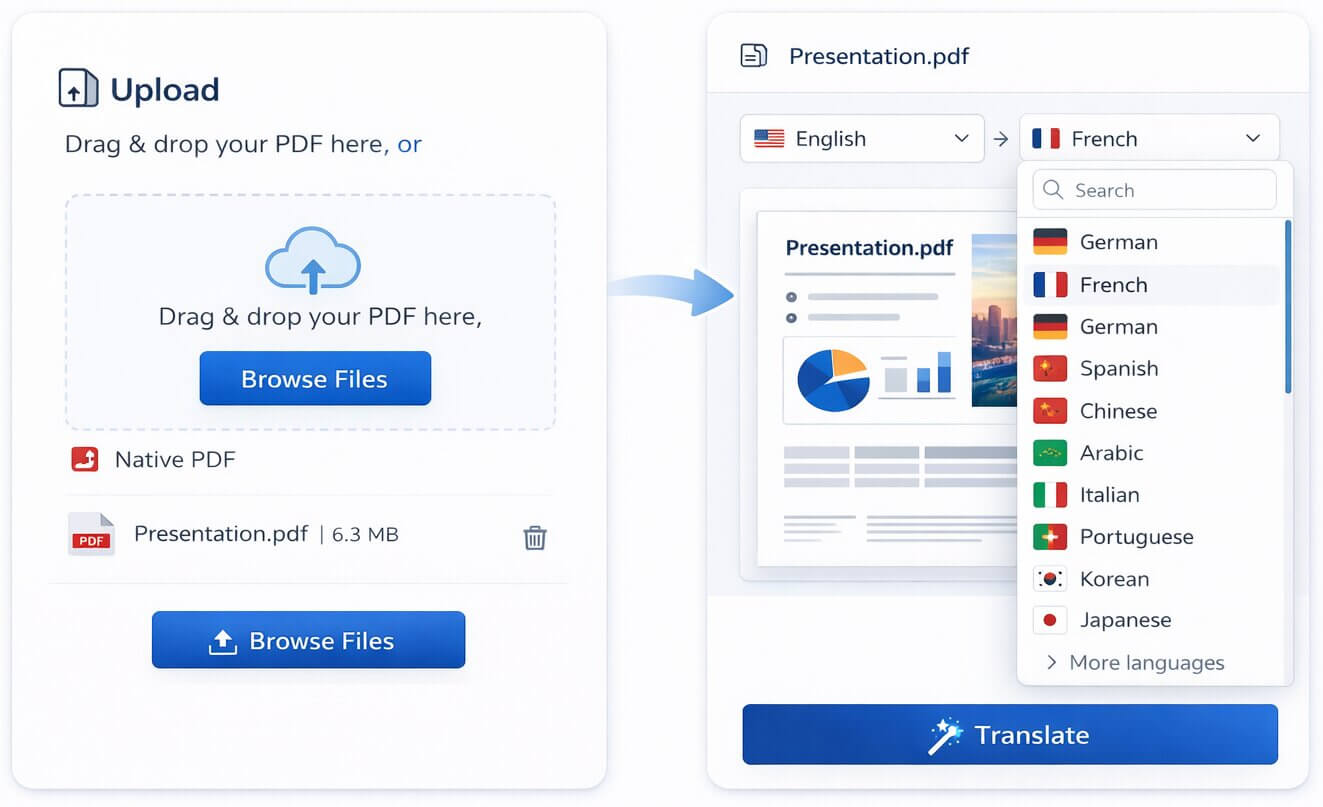
1. Upload your PDF
Add a native, text-based PDF using drag and drop. Multi-page reports, contracts, brochures, manuals, and presentations are supported up to 200 MB and 500 pages per file.
Best for text-based PDFs, reports, manuals, contracts, presentations, and brochures.
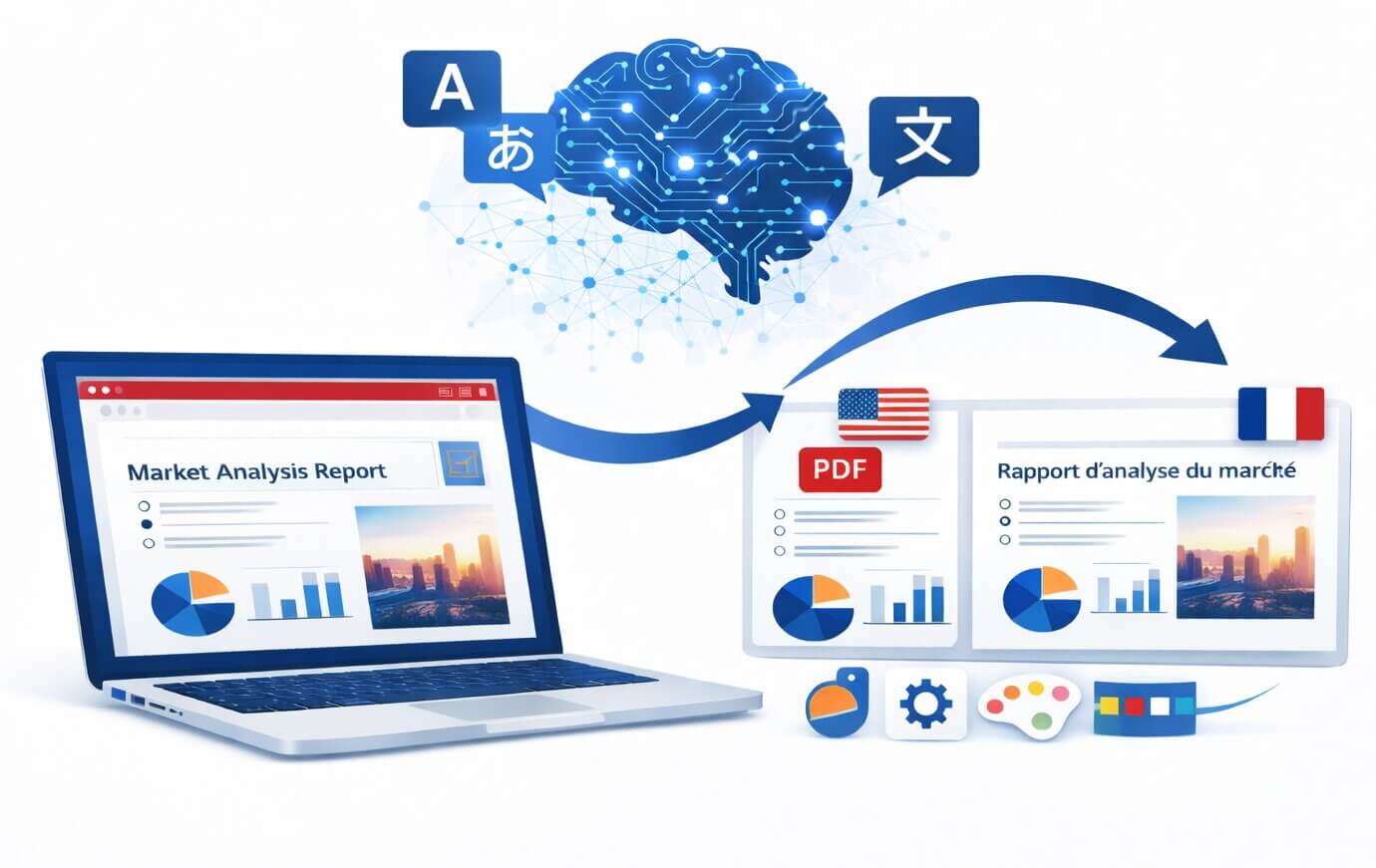
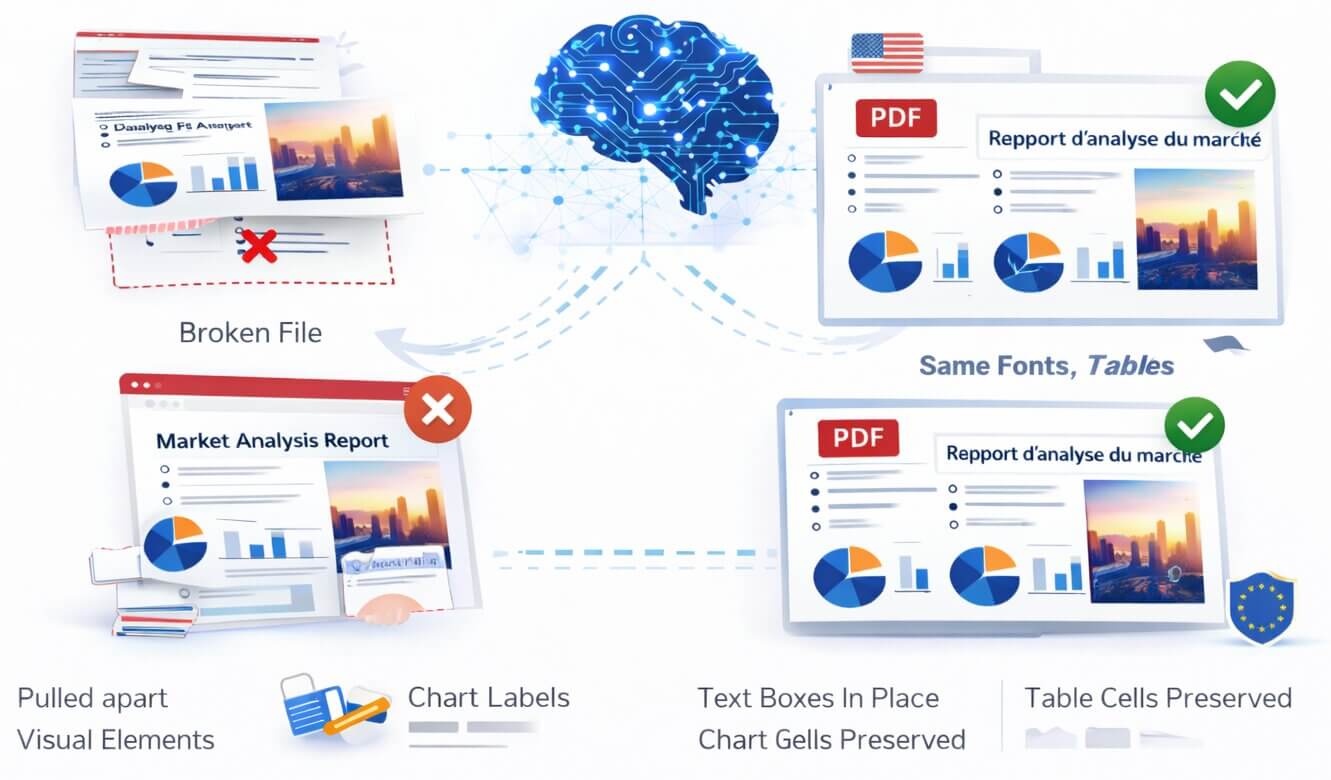
PDFs are designed to lock text, visual elements, and page geometry together. That makes them dependable for contracts, technical manuals, reports, and presentations-but difficult to translate with tools that simply extract plain text. A broken layout can change the meaning of a table, disconnect a chart label, or create hours of manual redesign work.
Qopywriter.ai reads the visual structure of each page before translation. It identifies text regions, columns, tables, images, and labels, then translates content in context and reconstructs it inside the original design. The result is a practical, shareable translated PDF that retains the source document's hierarchy and visual intent.
Translate a PDF online in three clear steps
Add a native, text-based PDF using drag and drop. Multi-page reports, contracts, brochures, manuals, and presentations are supported up to 200 MB and 500 pages per file.
Select a target language from 100+ options. The AI analyzes reading order and page components so translations retain context across columns, headings, captions, and tables.
Download your translated PDF when processing finishes. For high-stakes material, review names, figures, terms, and legal language before publishing, signing, or distributing it.
A visual overview of the layout-aware translation workflow. Hover or focus to explore the output stage.
Translation that respects the page-not just the text
Instead of treating a PDF as one continuous block of text, the system works with the relationships between content on a page. That matters when a label belongs to a chart, a paragraph flows through columns, or a table needs to remain readable after translation.
Everything you need from a professional PDF translation tool
Detects text blocks, reading order, columns, tables, and labels before translation begins.
Files are encrypted during transfer and storage and processed on EU-based servers.
Translate multi-page PDFs up to 200 MB and 500 pages, including reports and manuals.
Localize documents for international teams, customers, research, and operations.
Retains embedded font information where supported and adapts text placement for the target script.
Works across pages to help keep recurring terms, product names, and technical language consistent.
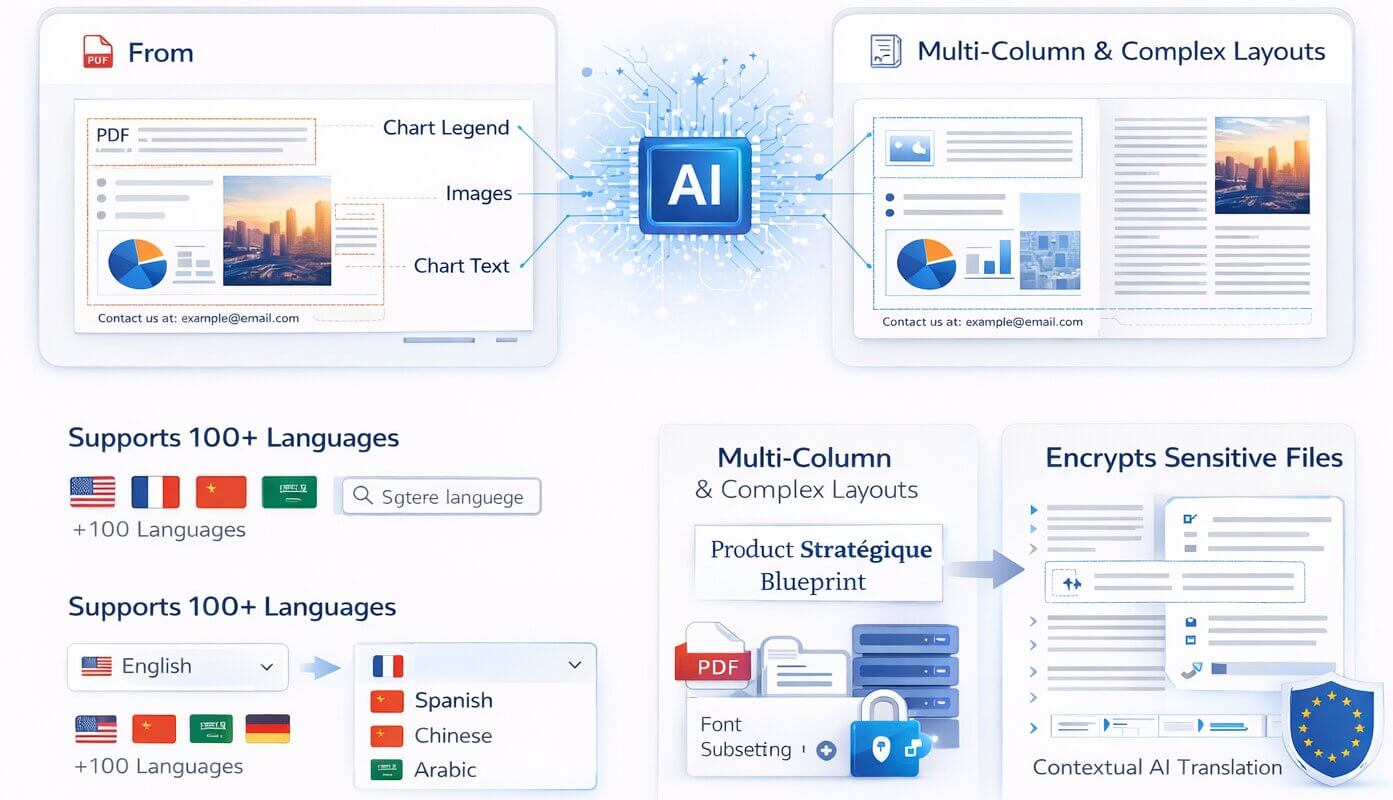
Text is translated within its page context, helping headings, chart labels, captions, and footer content remain connected to the elements they describe.
Translate English, Spanish, French, German, Chinese, Japanese, Arabic, Portuguese, and many more language pairs from one workspace.
Multi-column reports, brochures, and academic papers need more than plain-text extraction. Layout analysis helps preserve the intended sequence of paragraphs.
Encryption, EU-based processing, temporary file retention, and no training on customer documents support responsible handling of confidential files.
Languages expand and contract differently. The output process adjusts text fitting to retain readability while protecting the original composition as closely as possible.
Context across pages helps the AI use recurring terminology consistently-a useful advantage for technical, product, and business documents.
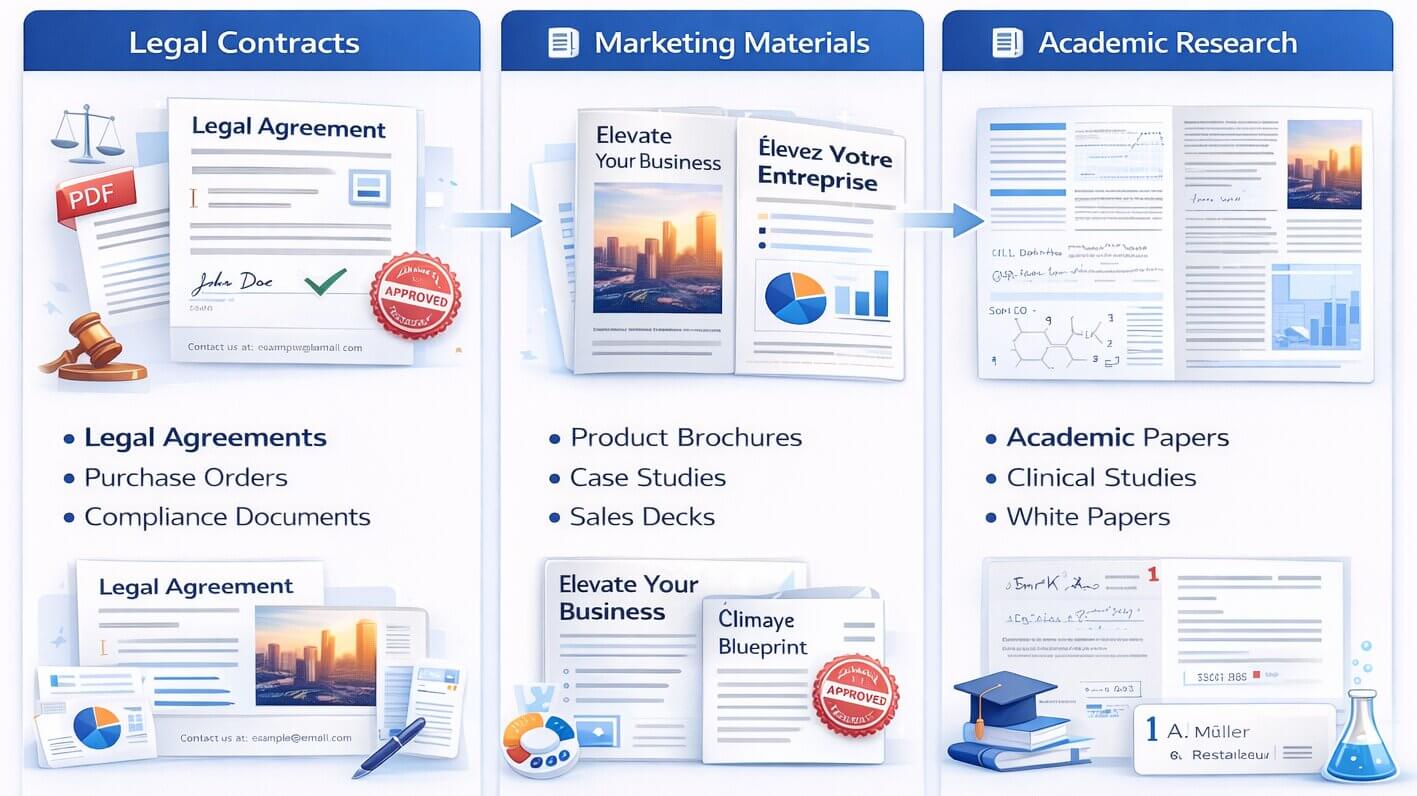
Translate contracts, policies, procurement documents, compliance material, and internal procedures while retaining headings, exhibits, signature areas, tables, and page numbering for easier review.
AI translation can accelerate understanding and cross-border collaboration, but it is not legal advice or a substitute for a qualified legal translator. Have an authorized reviewer verify any document that creates legal obligations.
Turn product brochures, case studies, sales decks, catalogues, and campaign PDFs into localized versions without recreating every page in design software.
Brand imagery, charts, visual hierarchy, and product photography remain in place while the copy is translated. Review final copy for brand voice, approved terminology, and text overflow before sending files to print.
Make academic papers, white papers, clinical studies, operating manuals, and technical reports more accessible across languages while retaining citations, figures, tables, and supporting visual context.
For research or safety-critical content, verify specialist terms, formulas, units, references, and conclusions against the original document. AI output is a strong working draft, not a replacement for expert validation.
Useful AI translation starts with clear expectations
Check names, numbers, dates, terminology, tables, and any content that affects decisions. This is especially important when a translated phrase is longer than its source text.
Documents are encrypted in transit and at rest, processed on EU-based servers, and automatically deleted after temporary download availability. Uploaded files are not used for model training.
For legal, medical, financial, regulatory, safety-critical, or publication-ready documents, use the translation as an efficient starting point and arrange review by a qualified professional.
Start with a free trial. Scale when your document volume grows.
Every plan includes advanced AI translation, layout and formatting preservation, and support for 100+ languages. No credit card is required to start your trial.
Answers about translating PDFs with AI
Get clear answers about layout preservation, file security, language coverage, document limits, and responsible use of AI translation.