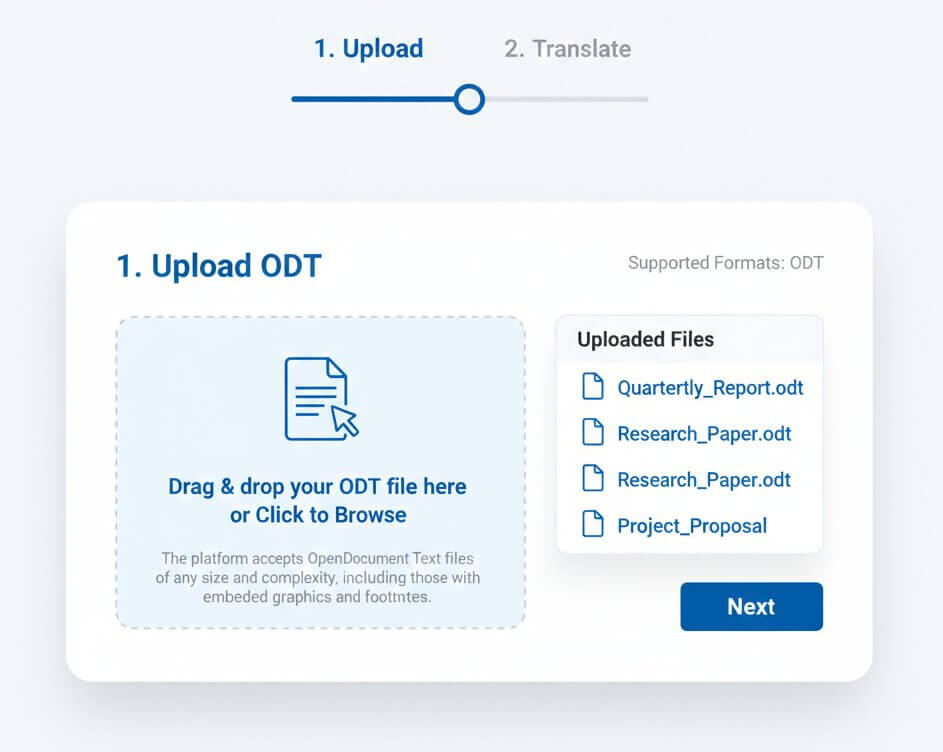
1. Upload your ODT file
Choose the .odt document created in LibreOffice, Apache OpenOffice, or another ODF-compatible editor. Keep the original file as your reference while the translation is prepared.
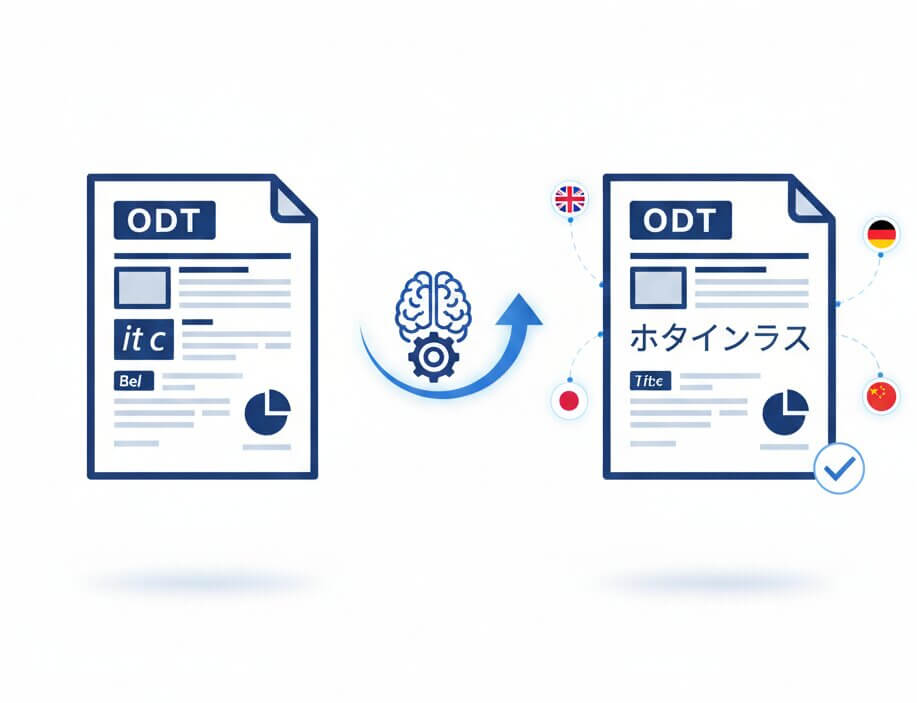
An ODT file is an OpenDocument Text package commonly created in LibreOffice Writer and Apache OpenOffice Writer. Qopywriter AI is an online ODT file translator that translates the readable text in that document and returns an editable ODT file, so your workflow stays in the format your team chose.
Instead of relying on copy-and-paste or a DOCX detour, the translation workflow is designed around the document structure: paragraphs, character styles, lists, tables, headers, footers, text frames, and other content remain part of the file. That means less reformatting after translation and a smoother handoff for editors, reviewers, and collaborators.
Simple workflow
Upload your OpenDocument file, select the language you need, then download an editable translated ODT document for review.
Choose the .odt document created in LibreOffice, Apache OpenOffice, or another ODF-compatible editor. Keep the original file as your reference while the translation is prepared.
Select from more than 100 language options. The translation process focuses on the document text while retaining the OpenDocument structure that supports its layout.
Download the translated ODT file, open it in your preferred office software, and complete a final visual or editorial review before sharing the finished document.
Document-first capabilities
A useful ODT translation tool does more than replace words. It helps retain the structures people rely on when they continue editing, reviewing, and sharing a document.
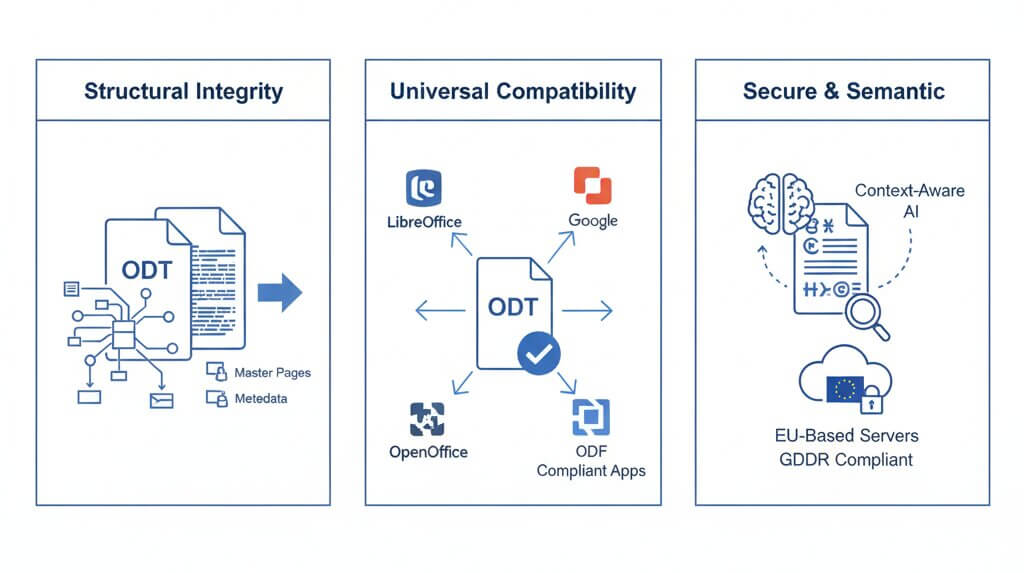
Keep document structure connected to the translation, including styled paragraphs, headings, lists, and page-oriented formatting.
Translate text in common document areas while retaining the tables, cells, sections, and visual hierarchy readers expect.
Stay in the OpenDocument workflow with an output file intended for continued editing in ODF-compatible software.
Choose the language combination that fits your audience, whether you are localizing a report, guide, proposal, or training pack.
Work with Latin, Cyrillic, CJK, and right-to-left language workflows, then verify final rendering in the target environment.
Download a translated ODT document your team can refine, approve, and adapt instead of receiving a locked image or plain-text export.
Why structure matters
ODT is more than a page of text. Its document content, styles, and supporting assets work together. A format-aware workflow helps preserve that relationship during translation.
Reports often include callouts, sidebars, captions, and floating elements. Retaining their relationship to surrounding content reduces manual repair after download.
Clear hierarchy matters in manuals, proposals, and research. Keep heading levels, numbered lists, and the document’s overall reading order easy to review.
Different scripts and longer translations can affect wrapping and fonts. The ODT output remains editable so your team can make final typographic adjustments when needed.
Document-level context helps produce more consistent wording across chapters, appendices, repeated labels, and recurring terminology in long-form ODT files.
Use AI to accelerate the first translated version, then apply editorial expertise where precision, brand voice, or specialized terminology is essential.
Built for everyday document work
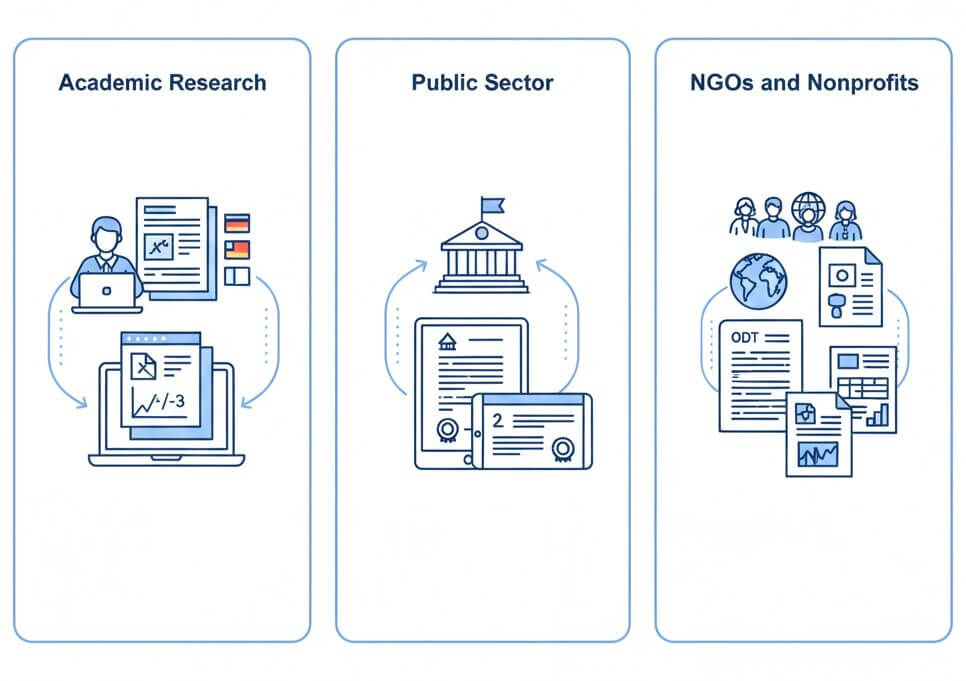
OpenDocument files are widely used wherever editable, accessible, and vendor-neutral document formats matter.
Researchers, students, and university teams often use LibreOffice Writer for theses, papers, grant proposals, and course materials. Translating the ODT file directly helps retain headings, citations, footnotes, tables, and the structured layout reviewers need to navigate.
For publication-ready work, use the translated document as an editable draft and ask a subject-matter reviewer to validate terminology, quotations, references, and discipline-specific language.
Public institutions may choose open document formats to support accessibility, interoperability, and long-term access. An editable translated ODT file can simplify the preparation of public guides, notices, policy drafts, and service information for multilingual audiences.
Before publication, confirm that legal language, official titles, numbering, dates, and local accessibility requirements have been reviewed by the appropriate team.
Nonprofits and international organizations use ODT files for project reports, training manuals, outreach materials, and community resources. Direct translation avoids an extra conversion step and helps teams maintain a familiar editing process across regions.
For community-facing materials, a local reviewer can refine terminology, tone, examples, and cultural references before distribution.
Responsible translation workflow
The strongest document workflow combines automation for speed with informed review for accuracy, layout, and audience fit.
Keep the original ODT file available for comparison. After download, review the translated version in LibreOffice or your chosen ODF-compatible editor, not only in a browser preview.
Inspect names, numbers, dates, hyperlinks, table overflow, page breaks, text frames, and specialized terms. These details deserve extra attention in high-stakes documents.
For legal, medical, financial, regulatory, or publication-critical content, have a qualified reviewer validate the final language. AI output is not a certified translation.
Straightforward plans
Choose the monthly or yearly character allowance that suits your document translation volume.
Helpful answers
Clear guidance on ODT compatibility, layout preservation, document review, and responsible use.
Upload your OpenDocument Text file, choose a language, and receive an editable translated ODT document ready for your team’s final review.
Start Translating ODT Files Free Read ODT translator FAQs